Home Cleverscope | Oscilloscopes Cleverscope MATLAB Integration Module
Cleverscope | Oscilloscopes

Cleverscope MATLAB Integration Module

Enable advanced signal analysis and real-time waveform processing by integrating your Cleverscope oscilloscope with MATLAB using custom .m functions..

  • Detail
  • Special Features
  • Specification

The Cleverscope MATLAB Integration Module allows users to link their Cleverscope oscilloscope to MATLAB, unlocking powerful features for signal analysis, custom visualization, and data manipulation.

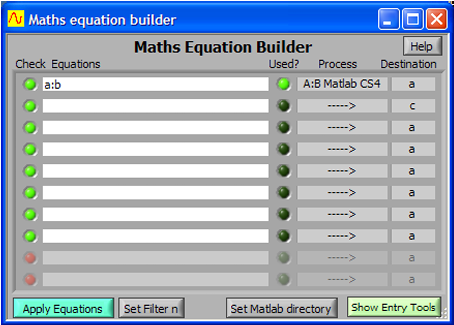
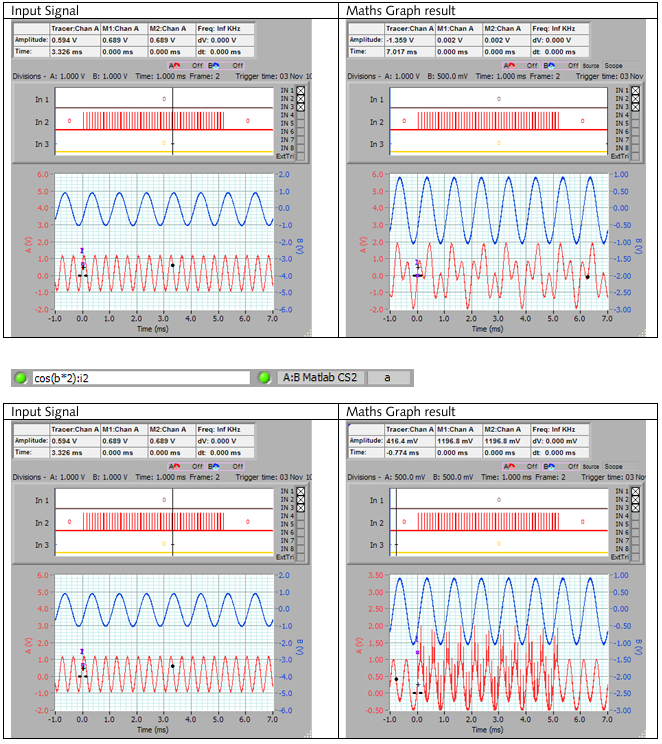
Using the built-in Maths Equation Builder, users can define up to 10 linked equations that are executed every time a signal is acquired. Additionally, Cleverscope supports four dedicated processes (cscope1.m to cscope4.m) that call external MATLAB functions for extended functionality.

Each function receives signal arrays, sample intervals, and time data — making it ideal for:

  • Digital signal processing (DSP)

  • Custom filter applications

  • Frequency and time domain analysis

  • Live plotting and automation tasks

The system ensures minimal delay after the first execution by caching the MATLAB functions, while also providing robust configuration options through its GUI.

  • Seamless integration of Cleverscope with MATLAB for extended analytics

  • Supports up to 4 custom MATLAB processes via .m script calls

  • Real-time execution of user-defined mathematical models

  • Graphical plotting, spectrograms, and post-processing through MATLAB

  • Easy setup with directory linking and internal caching system

Parameter Details
Product Type Software Integration Module
Compatible Environment Cleverscope PC-based Oscilloscope + MATLAB
Supported MATLAB Files cscope1.m, cscope2.m, cscope3.m, cscope4.m
Input Data Analog/Digital Signal Arrays from Cleverscope
Function Header Format function y = cscope(a,b,n,T0,dt)
MATLAB Interaction Bidirectional: Send waveforms & receive results
Maximum Equations 10 linked equations via Maths Equation Builder
Initial Execution Delay Yes (due to MATLAB startup)
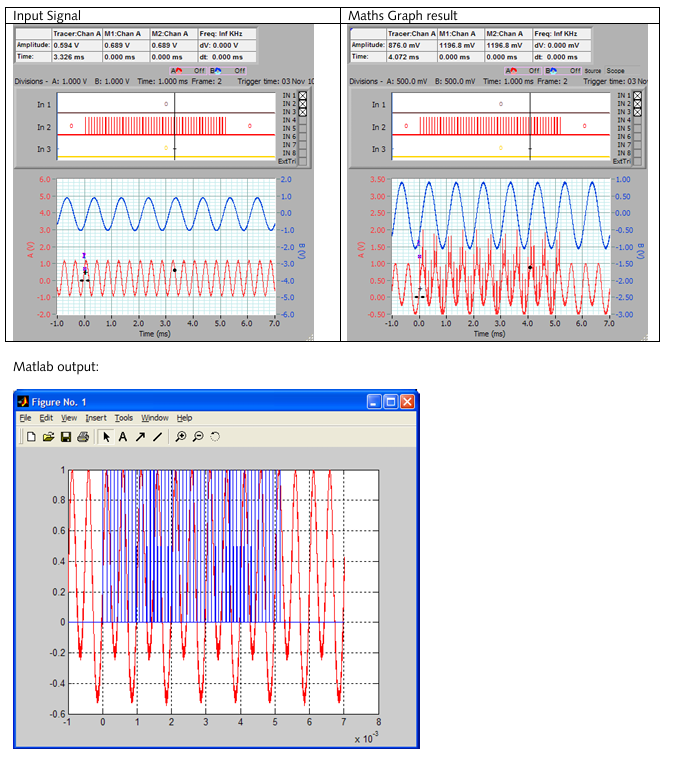
Plotting Support Full MATLAB figure and graphing capabilities
Caching Behavior MATLAB files cached after first run
Support for UI in MATLAB Yes (e.g., plotting, interface actions)